
We are entirely about the Gospel of Jesus Christ, working toward growing disciples, worshiping God, and transforming our world through local and global outreach. Our desire is to provide a supportive and encouraging community as we grow in Christ together.
A multi-cultural, multi-generational,
gospel-centered church
A multi-cultural,
multi-generational,
gospel-centered church
Worship Christ
Grow in Christ
Go and Make Christ Known
Join us Sunday at 9:30am & 11:00am
28600 Lahser Rd | Southfield, MI 48034


Take the first step
1. Worship With Us
Join us for Sunday morning worship at 9:30 or 11:00am.

2. Connect at HPBC
Connect with our ministries and get plugged into the life of our church.

3. Grow
Develop as a disciple of Christ and get equipped share the Good News with everyone you encounter.
”Our family has been members for over six years and we have served alongside wonderful dedicated believers. The messages are rich with Bible teaching and practical application. Through Bible studies and Bible fellowships, our lives have been enriched. We have plenty of opportunities to live a Christ-centered life and walk together with others that want to do the same. Highland Park is multi-cultural and generational on purpose, strengthening each other for God's glory. I highly recommend you come and visit.
Priscilla O’Neill
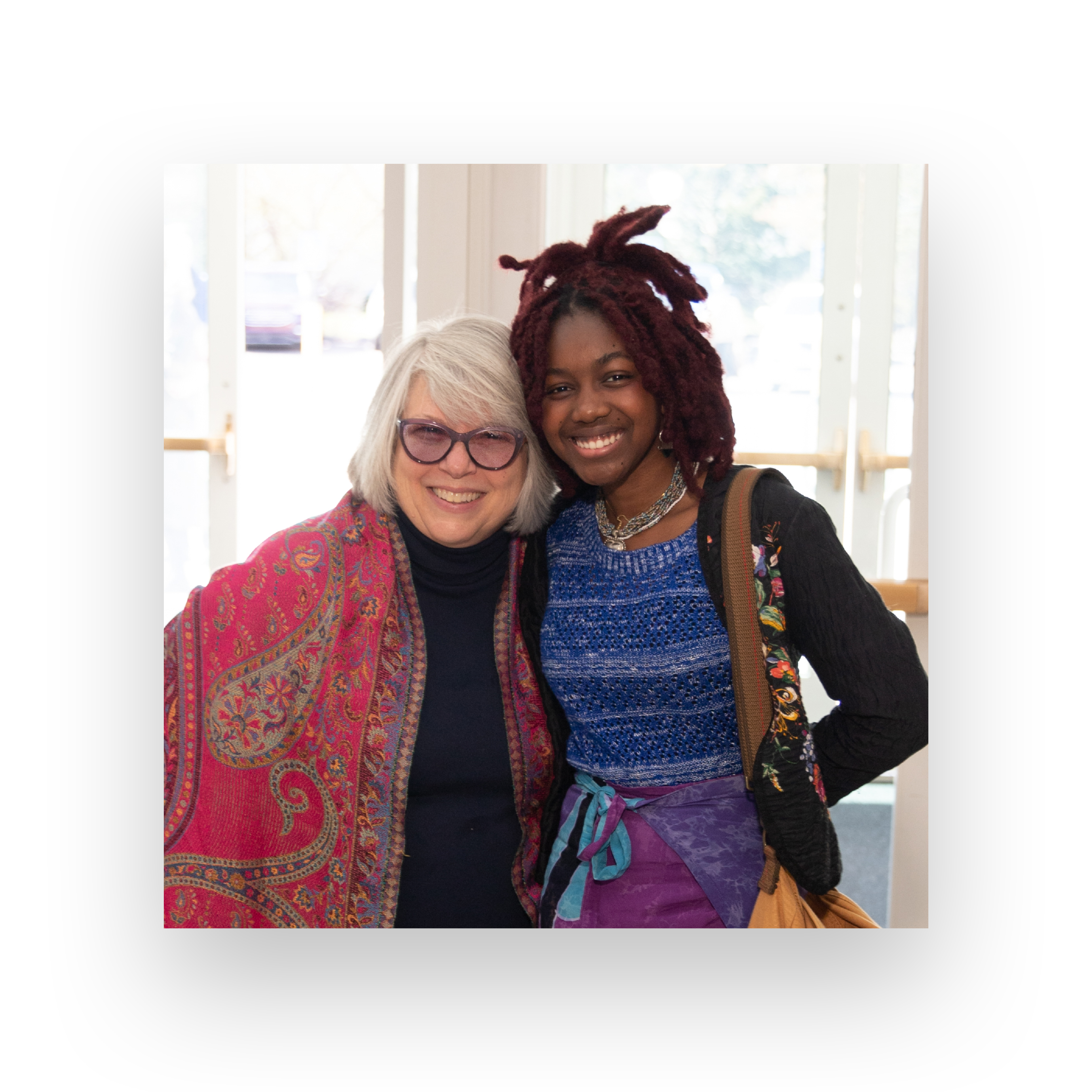
We welcome you into our HPBC family
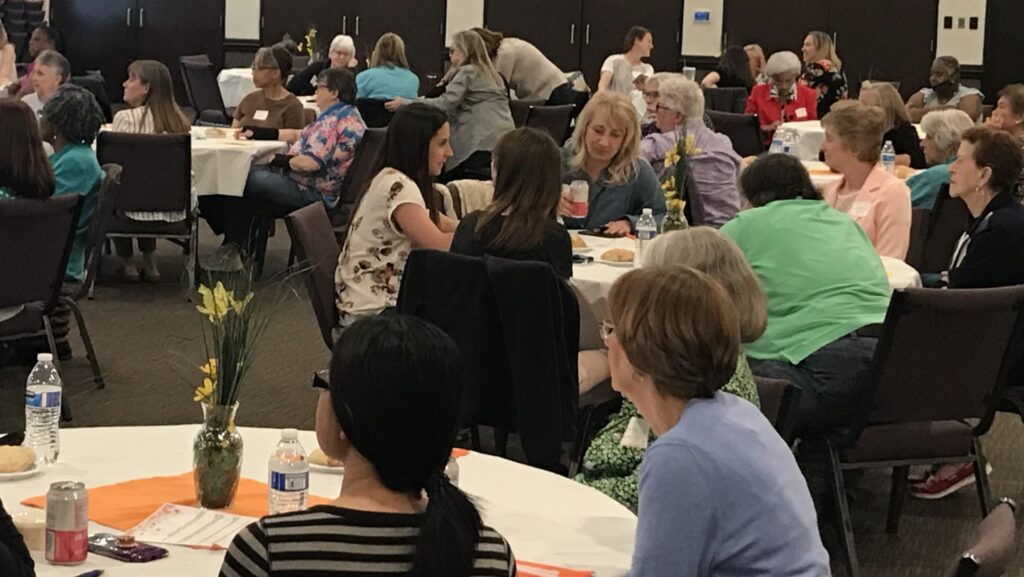
Whether you are new to church or the area, we have many opportunities for connecting kids, students, young adults, and men and women of all ages.
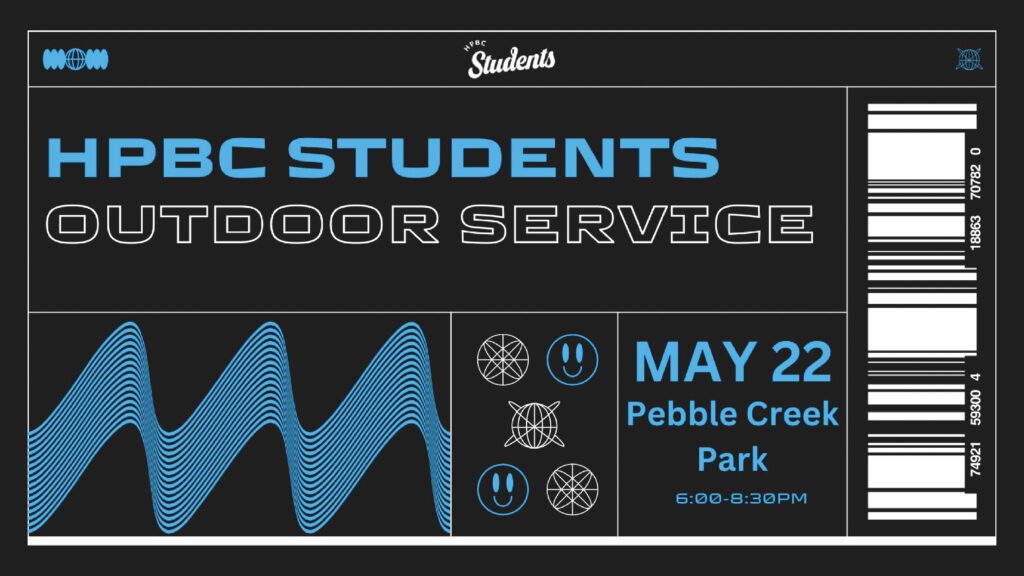
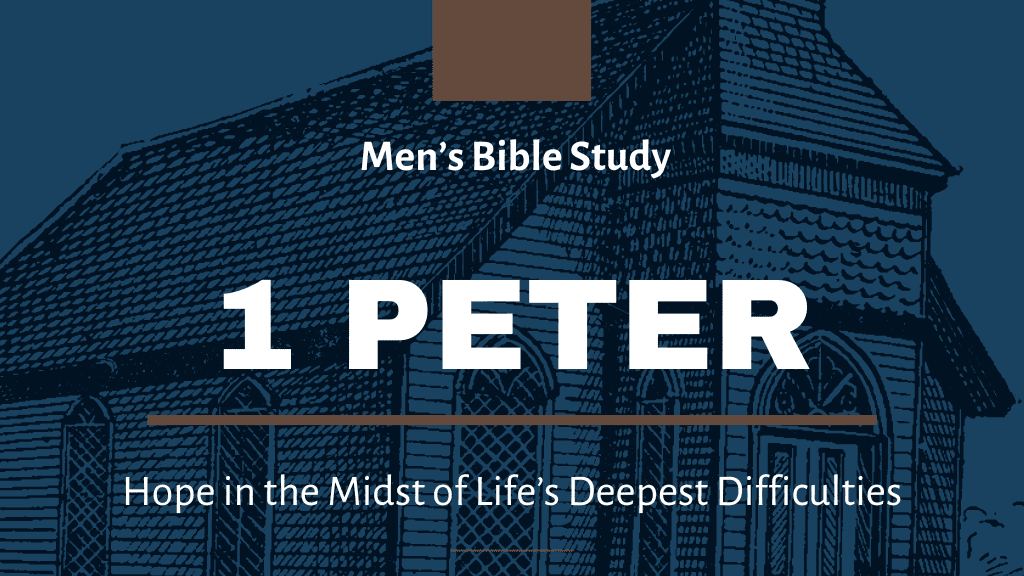
We are committed to helping individuals and families get involved and grow in Christ through programs for children like Awana, student ministries on Wednesday nights, our Moms of Tots (MOTS) group on Thursdays, men’s and women’s Bible studies on Tuesdays, MOSAIC outings for our seniors, and many others. We hope you will check out all we have to offer for you as an individual or as families.